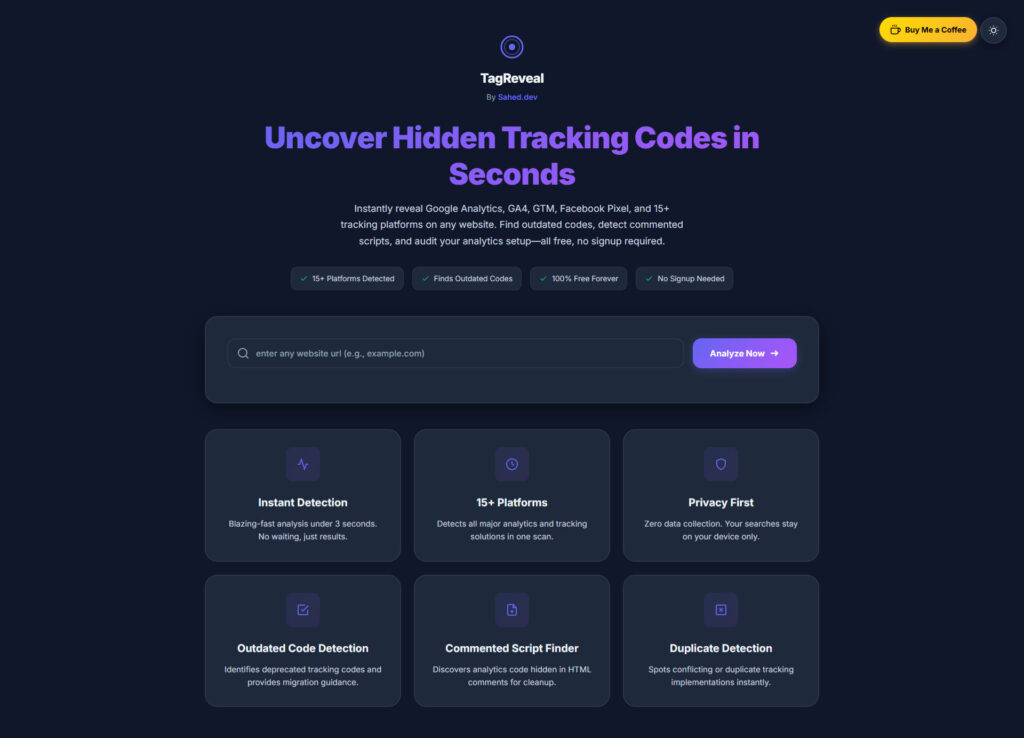
Ever wondered if your website’s analytics are actually working? Use Tracking tag detector Or which tracking scripts your competitors are using?
Meet the tool that pulls back the curtain on any website’s tracking setup — completely free, no signup required.
What Is This Tool?
The Google Analytics Checker is a free web application that scans any website and instantly reveals:
- ✅ Google Analytics tracking codes (GA4, Universal Analytics, or both)
- ✅ Google Tag Manager containers
- ✅ Outdated or deprecated tracking scripts
- ✅ Marketing pixels and other third-party analytics
- ✅ Potential tracking issues before they cost you data
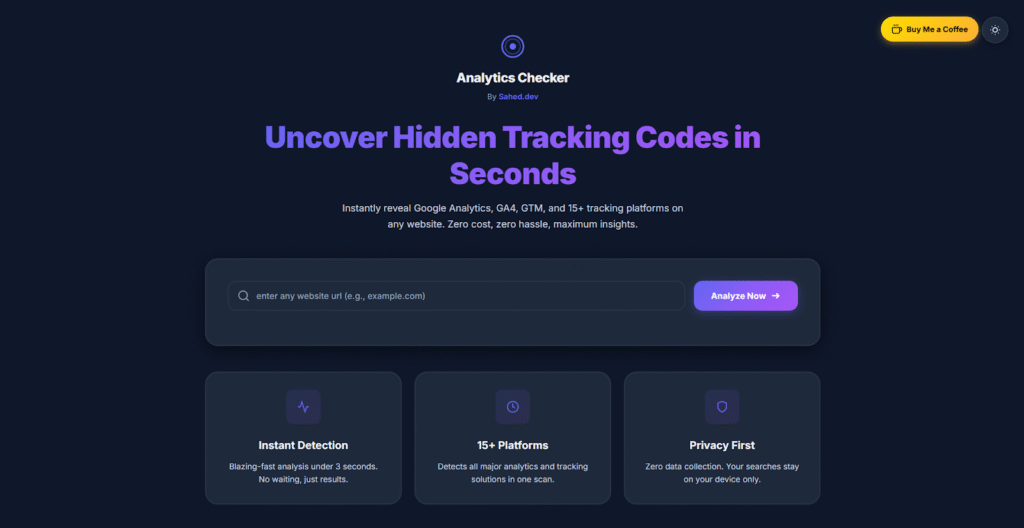
No technical skills needed. Just paste a URL, hit scan, and get instant insights.
Why You Need This Tool
1. Verify Your Own Analytics Setup
You’ve just updated to GA4, but is your old Universal Analytics code still lurking in the background? Double tracking can skew your data and inflate your numbers.
This tool helps you:
- Confirm your migration to GA4 is complete
- Spot duplicate tracking codes
- Identify forgotten test properties
- Ensure your Tag Manager is firing correctly
2. Competitive Intelligence Made Easy
Curious about what analytics stack your competitors are running? Which marketing tools they’re using? This checker reveals:
- Analytics platforms (GA4, Matomo, Mixpanel, etc.)
- Marketing automation tools
- A/B testing platforms
- Heat mapping software
- Attribution tracking pixels
3. Catch Privacy Compliance Issues
With GDPR, CCPA, and other privacy regulations tightening, outdated tracking scripts can be a liability. This tool helps you:
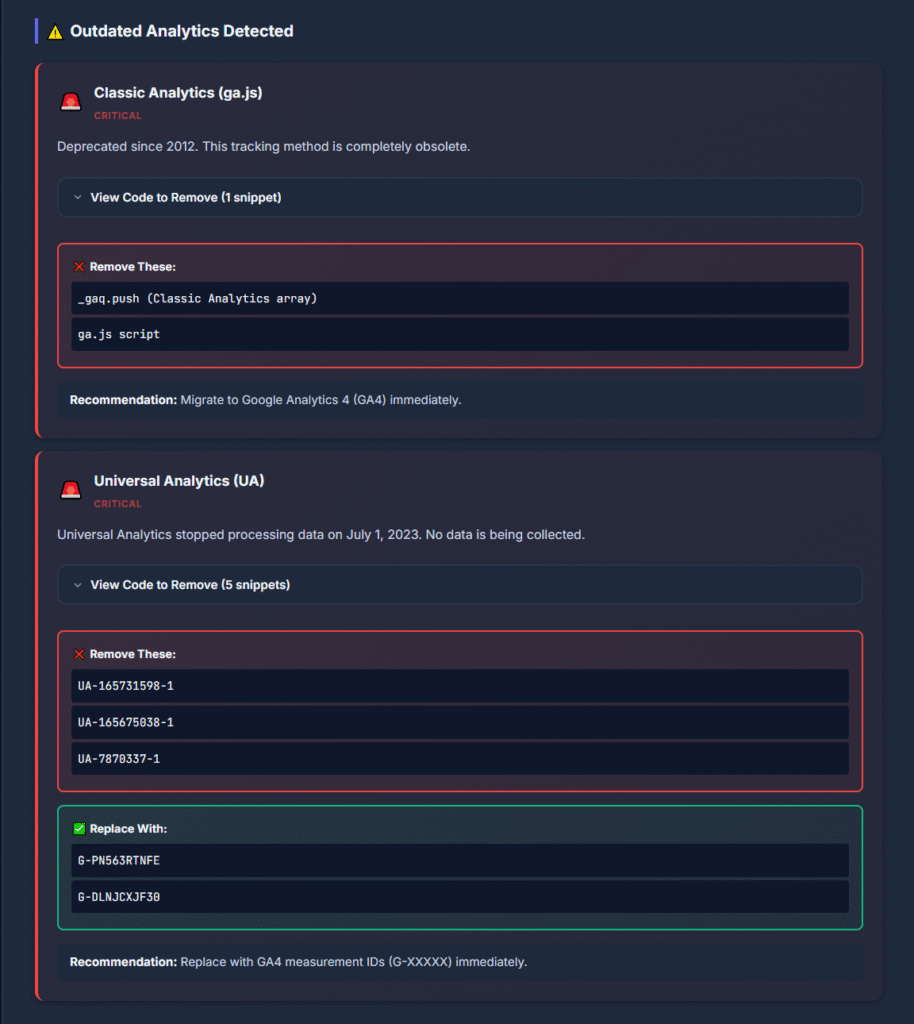
- Identify legacy Google Analytics (Universal Analytics) that’s no longer supported
- Spot scripts that might not be GDPR-compliant
- Audit third-party trackers you didn’t know were on your site
- Prepare for privacy audits
4. Client Reports & Audits
For agencies, freelancers, and consultants, this is your secret weapon for:
- Quick site audits before proposals
- Demonstrating value to potential clients (“Did you know you have 3 Google Analytics codes running?”)
- Technical SEO reports
- Pre-migration assessments
How It Works (Stupid Simple)
(Tracking Tag Detector Workflow)
Step 1: Enter Any URL
Head to ga.sahed.dev and paste in the website you want to check. Works with any public website — your own site, competitors, or just sites you’re curious about.
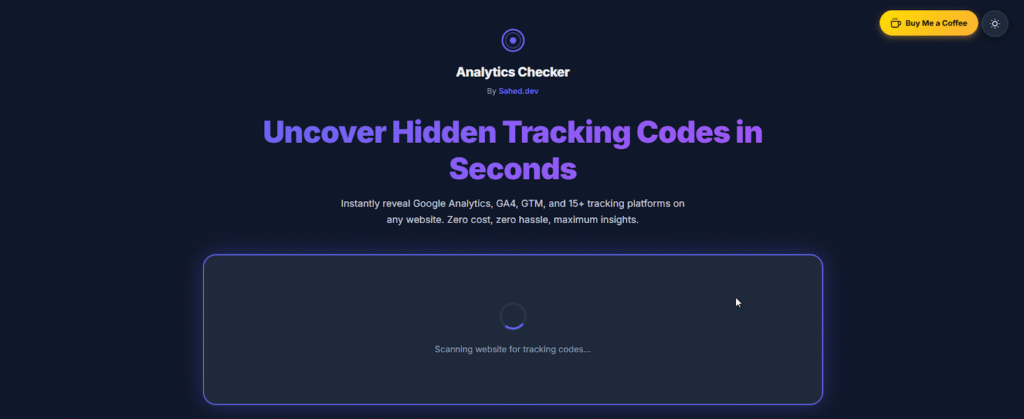
Step 2: Hit Scan
The tool fetches the page and analyzes the source code in real-time, looking for:
- JavaScript tracking snippets
- Meta tags
- Third-party scripts
- Embedded analytics tags
Step 3: Get Your Results
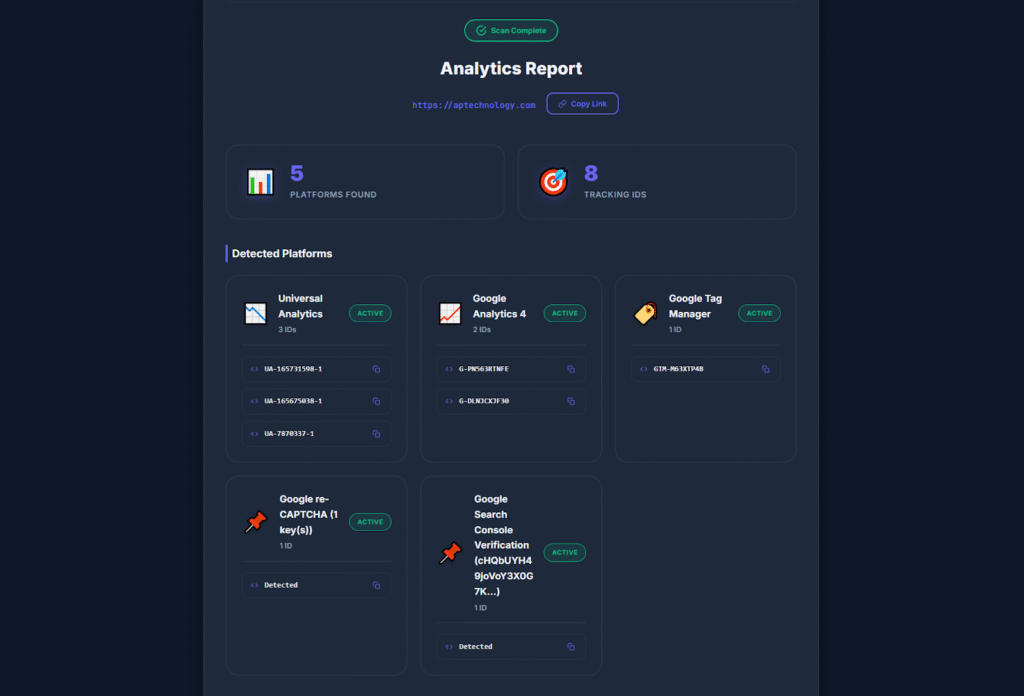
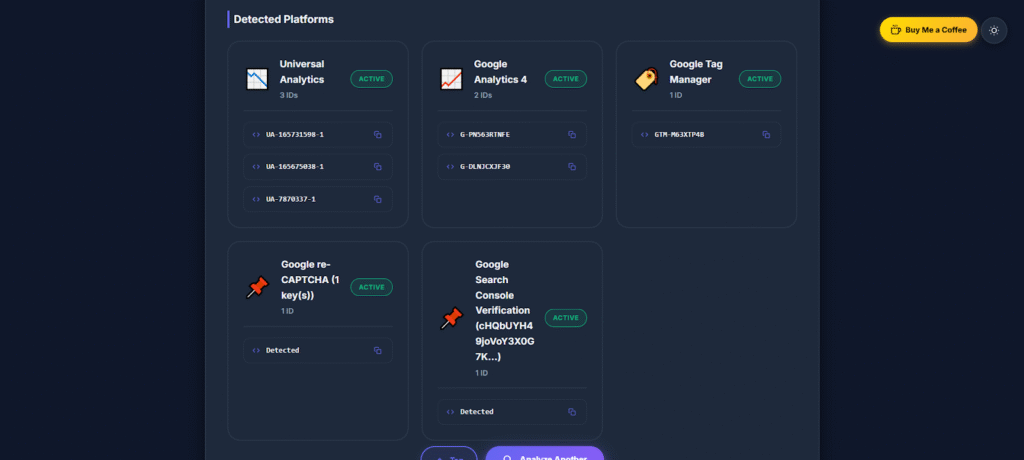
Within seconds, you’ll see a detailed breakdown of every tracking tag detected, including:
- Tag Type (GA4, Universal Analytics, GTM, etc.)
- Tracking ID or container ID
- Status (Active, Deprecated, or Unknown)
- Recommendations for cleanup or optimization
What Makes This Tool Special?
🚀 Lightning Fast
Results appear in seconds.
🆓 Completely Free
No hidden fees, upgrades, or credit cards.
🔒 Privacy-Focused
We don’t store URLs or scans.
📱 Mobile-Friendly
🎯 Accurate Detection
Catches obfuscated or dynamically loaded tags.
Real-World Use Cases
For Website Owners
“I migrated to GA4 months ago but kept seeing weird data. Turned out my old Universal Analytics code was still active — this tool helped me catch it in 30 seconds.”
— Sarah, E-commerce Owner
For Digital Marketers
“I use this before every competitor analysis. Knowing what analytics tools they’re using tells me a lot about their marketing maturity.”
— Mike, Digital Marketing Consultant
For Developers
“Perfect for QA testing. After deploying tracking code updates, I run a quick check to make sure everything’s firing correctly.”
— Jessica, Front-End Developer
For SEO Professionals
“This is now part of my standard site audit checklist. Outdated tracking scripts can actually slow down page load times and hurt SEO.”
— David, SEO Specialist
Common Issues This Tool Uncovers
❌ Duplicate Google Analytics Codes
❌ Broken Tag Manager Implementation
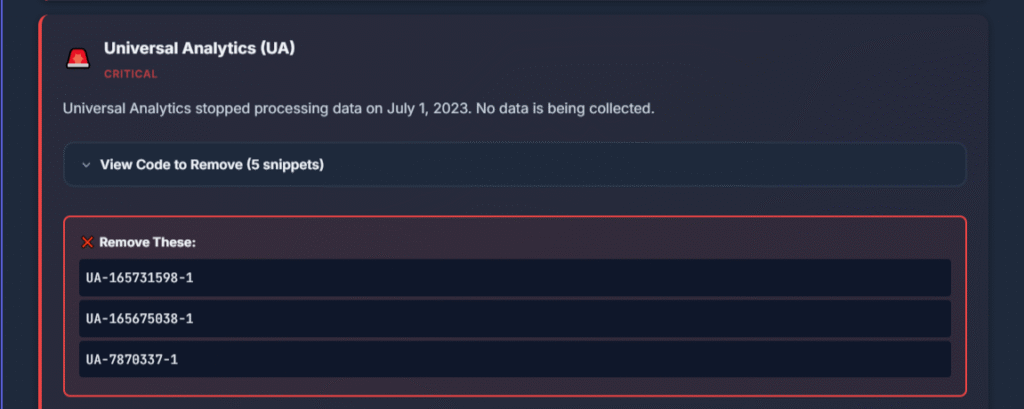
❌ Outdated Universal Analytics
❌ Zombie Marketing Pixels
❌ Unknown Third-Party Trackers
Caption: Clear warnings for deprecated or problematic scripts
Tips for Using the Tool Effectively
- Check multiple pages
- Compare before/after updates
- Audit regularly
- Screenshot results for clients
Beyond Google Analytics: What Else Gets Detected?
- Facebook Pixel
- LinkedIn Insight Tag
- Twitter/X Conversion Tracking
- Hotjar
- Mixpanel / Heap / Amplitude
- Matomo
- Adobe Analytics
- Segment
- Custom tracking tags
The Technical Stuff (For the Nerds)
Behind the scenes, this tool:
- Fetches the webpage
- Parses HTML + JavaScript
- Matches known signatures
- Analyzes script sources
- Validates tracking IDs
- Generates a report
Frequently Asked Questions
Is this tool really free forever?
Yes.
Can I check any website?
Yes — any public site.
Will the website owner know?
No.
What if my tracking code loads dynamically?
The tool handles most cases.
Can I scan password-protected pages?
No.
How often is detection updated?
Regularly.
Get Started in 30 Seconds
👉 Visit ga.sahed.dev and run your first scan now.
No registration. No credit card. Instant insights.
Knowing what tracks your website is essential for:
- Optimization
- Competitive research
- Auditing
- Privacy compliance
- Curiosity
The best part? It takes less time to run a scan than it took to read this sentence.
Stop guessing. Start knowing.
Try the Google Analytics Checker Now →
About the Tool
Built by Sahed Neka
Open-source. Continuously improved.